How To Install Catchon TV
Don't worry, setting up your Catchon TV app is incredibly straightforward. Choose your device or preferred player below and follow the simple steps. You'll be watching in minutes.
Amazon Firestick & Fire TV
The Firestick is by far the most popular and easiest method for running our service flawlessly.
- Navigate to from your Firestick home screen, click "Find" then "Search".
- Search for the app called "Downloader" and install it.
- Go to Firestick Settings > My Fire TV > Developer Options.
- Turn ON "Install Unknown Apps" for the Downloader app.
- Open Downloader, enter the Catchon TV APK link provided in your welcome email, and click Go.
- Install the app, launch it, and enter your login details!
IPTV Smarters Pro
If you prefer an all-in-one customizable interface, IPTV Smarters Pro is heavily recommended.
- Download "IPTV Smarters Pro" from the Google Play Store or Apple App Store.
- Open the app and select "Login with Xtream Codes API".
- Enter any name you want in the first box (e.g., "Catchon TV").
- Enter the Username, Password, and Portal URL we emailed you.
- Click "Add User" and instantly start exploring the 24,000+ channels!
Tivimate Companion Setup
Tivimate offers an incredibly sleek, cable-like Electronic Program Guide (EPG) layout.
- Install Tivimate from your Android TV or Firestick TV store (using Downloader if necessary).
- Click "Add Playlist" when the app launches.
- Select "Xtream Codes Logins".
- Input the exact Server Address (URL), Username, and Password from your confirmation email.
- Check the "Include VOD" box and click Next to process your channels.
OTT Navigator
- Download OTT Navigator from the Play Store.
- Go to Provider > Add Provider > Mac based MAC/Stalker or Xtream Codes.
- Fill into the form the provided URL and credentials.
- Hit Apply, and the app will natively sort your library.
Smart TV (LG & Samsung)
No additional streaming boxes needed. Get started straight from your television's native app store.
- Go to your LG Content Store or Samsung Smart Hub.
- Search for "Smart IPTV", "IBO Player", or "Set IPTV".
- Download the app and open it to physically locate the MAC address displayed on screen.
- Log into the app's respective companion website on your computer, input your TV's MAC address, and copy/paste our M3U playlist link.
- Restart your TV app and the Catchon TV channels will load perfectly!
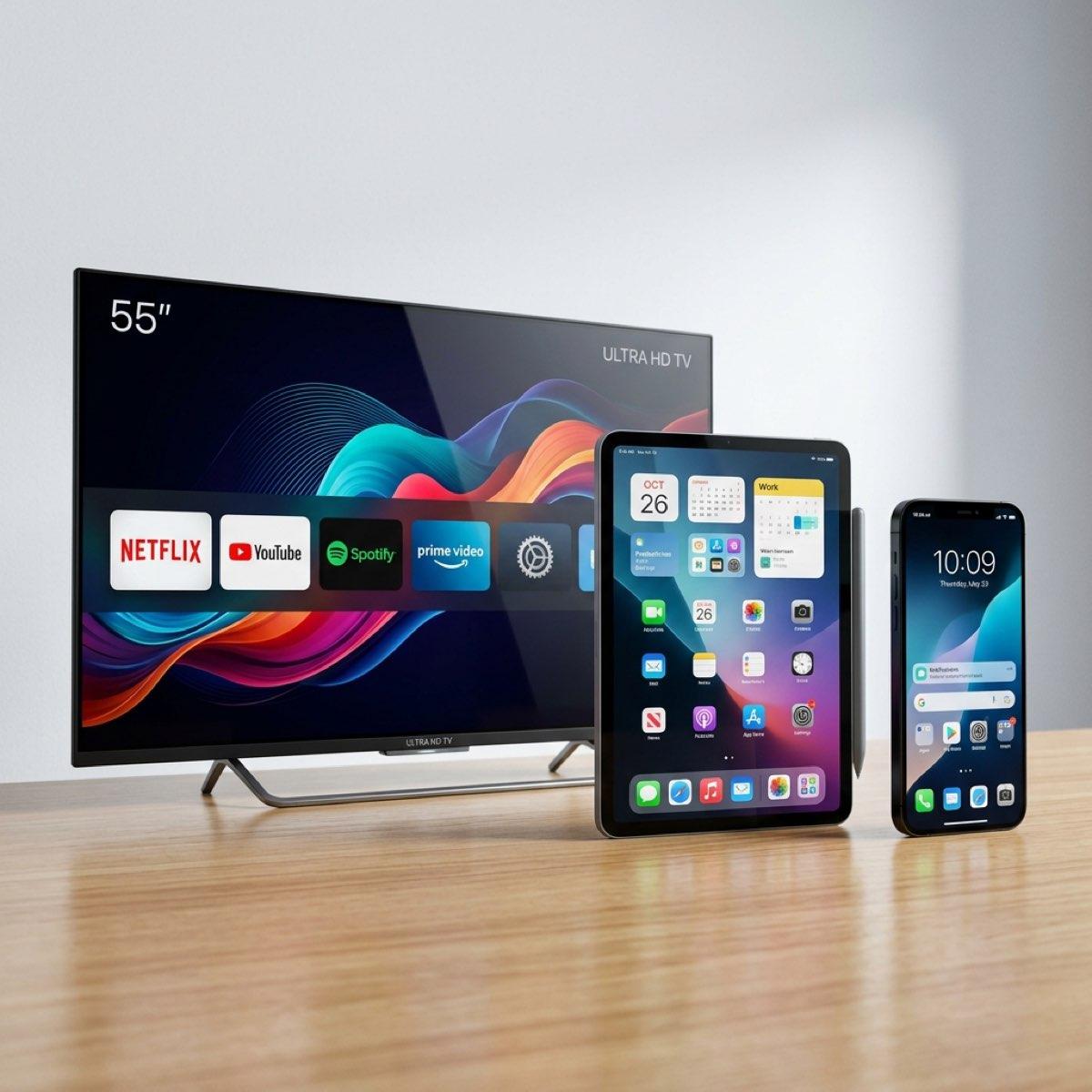
Android Phones & Apple iOS Devices
Access your favorite content on the go effortlessly.
For Android
Visit the Google Play Store and download our official Android application (link provided via email) or simply use IPTV Smarters Pro and login using Xtream Codes.
For Apple (iPhone/iPad)
We recommend downloading the Smarters Player Lite app natively from the Apple App Store. Tap "Xtream Codes API" and enter your VIP Catchon credentials.
We Provide 24/7 Setup Assistance!
Struggling with the installation? Tap the live chat button and a technician will walk you through it right now.
Purchase Access Now